Epson Pro 7880 Adjustment Program

$19.99
Epson <b>Pro 7880 </b> Adjustment Program
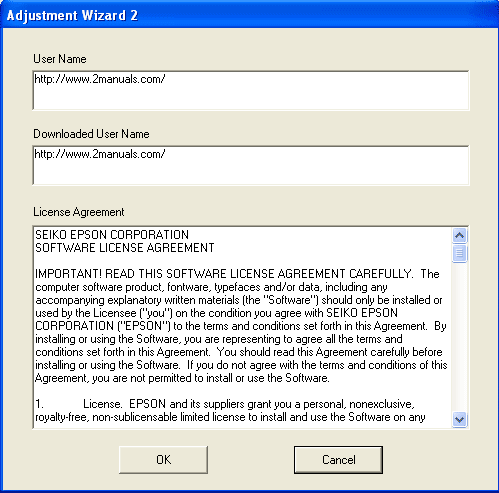
   Click to enlarge
      

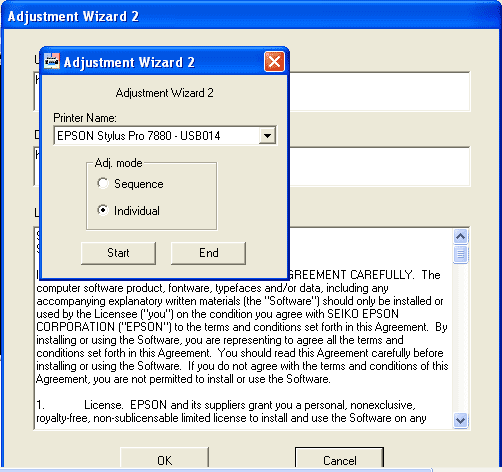
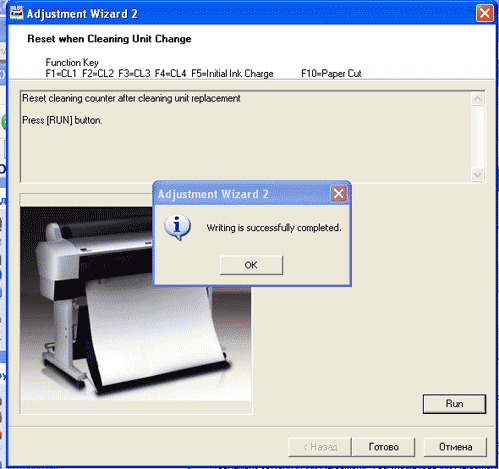
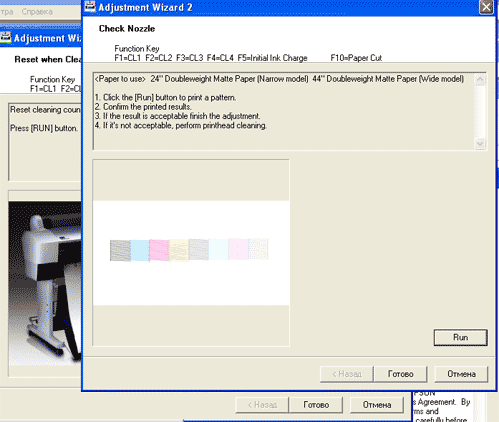
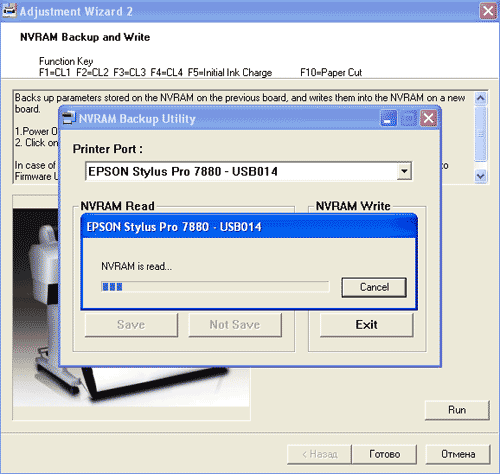
The Epson Adjustment Program for Epson Stylus Pro 7880 can be used under Windows only (Millenium, 2000, XP, Vista [in compatibility mode]).

To get this adjustment program, for the Epson Stylus Pro 7880 you need to do the following:

  1. Purchase the utility from 2manuals.com.
  2. You'll get download link on-line and in the email message.

We recommend reading the Epson Stylus Pro 7880 Service Manual before using the adjustment utility.

Please contact us if you have not received your order.

You can run this program under Windows XP, Windows Vista, Windows 7 in compatibility mode. It is easy!

Lets get to know how to set it up.

To configure the compatibility mode for an application, just locate the installation directory and right click on the .exe file (program you want to run), selecting Properties from the menu.

Select the Compatibility tab:


Windows 7 compatibility mode


You can choose to run the program in Windows XP compatibility mode.

FOR THIS PROGRAM please use the WINDOWS XP compatibility mode!!!


I want to:

Any questions about this product?

SEND US REQUEST by filling the form below.


Step 1
ADD TO CART
Step 2
CHECKOUT
Select payment method.
Step 3
Confirm the order.


We are in business since 2002 and do our best to give our customers perfect service!

  Jack Vikati 2025-03-17 02:23:07  
  Reset key itself WORKS, hurrah! 5 stars. BUT . . . it was a struggle to get the download. Our MacBook which is a few years old does not allow the download to be installed because Apple blocks "unrecognized developers." That should be taken care of or a warning should be placed on all promotional materials related to WIC RESET KEY. I was able to get the download onto my old Apple desktop which has not had operating system updates. That's how I finally purchased the reset key. Please tell me why the whole business of the reset key, after replacing the ink pads, is not an example of contrived malicious obsolescence? I was tied up for hours, cursing the Epson company, and a breath away from buying a new printer, adding plastic waste into our environment. I liken my experience to changing a car's oil filter and then needing a code to start the car again.
  Enderes Klaus 2019-11-20 21:54:05  
  hoz to get the free key i q; in qlgeriq qnd cqn t get hqrd currency
  SWD SWD 2011-10-26 01:51:03  
  good good good
  TAMMY OAKLEY-PRIOR 2011-04-27 22:42:22  
  Excellent! Thank you! What a brilliant utility!..................................................................................................
  jose jesuratnam 2024-02-10 13:35:49  
  Dear Team. I am using Epson Xp520 Printer. Printer had an Error E-11 "An Inkpad needs service". Purchased Wicrest Key and Inkpad from Printerpotty. At First i was not able to do the Reset. Software was not working when i click Test connection or Read waste counter. .Installed all Printer drivers of Win 11. Version i installed WIC reset Utility V.5.90 (Nov.20.2023) .I have disabled some of monitors which was recommended by wicrest tool .it did not worked. same problem when i click on read counter progam is not working. .i removed USB cable from my laptop and again connected. The reading counter shows the counter reading and i have reseted the Waste counter. Thank you so much...!
  rano herito 2012-12-27 07:32:53  
  thank you for your information,that very help me. Can i buy about five key reset? and if i save all key reset for along time, for some day i use if i need, are the all key can use and thats working? i'm sory if my english is not good!!
Write review